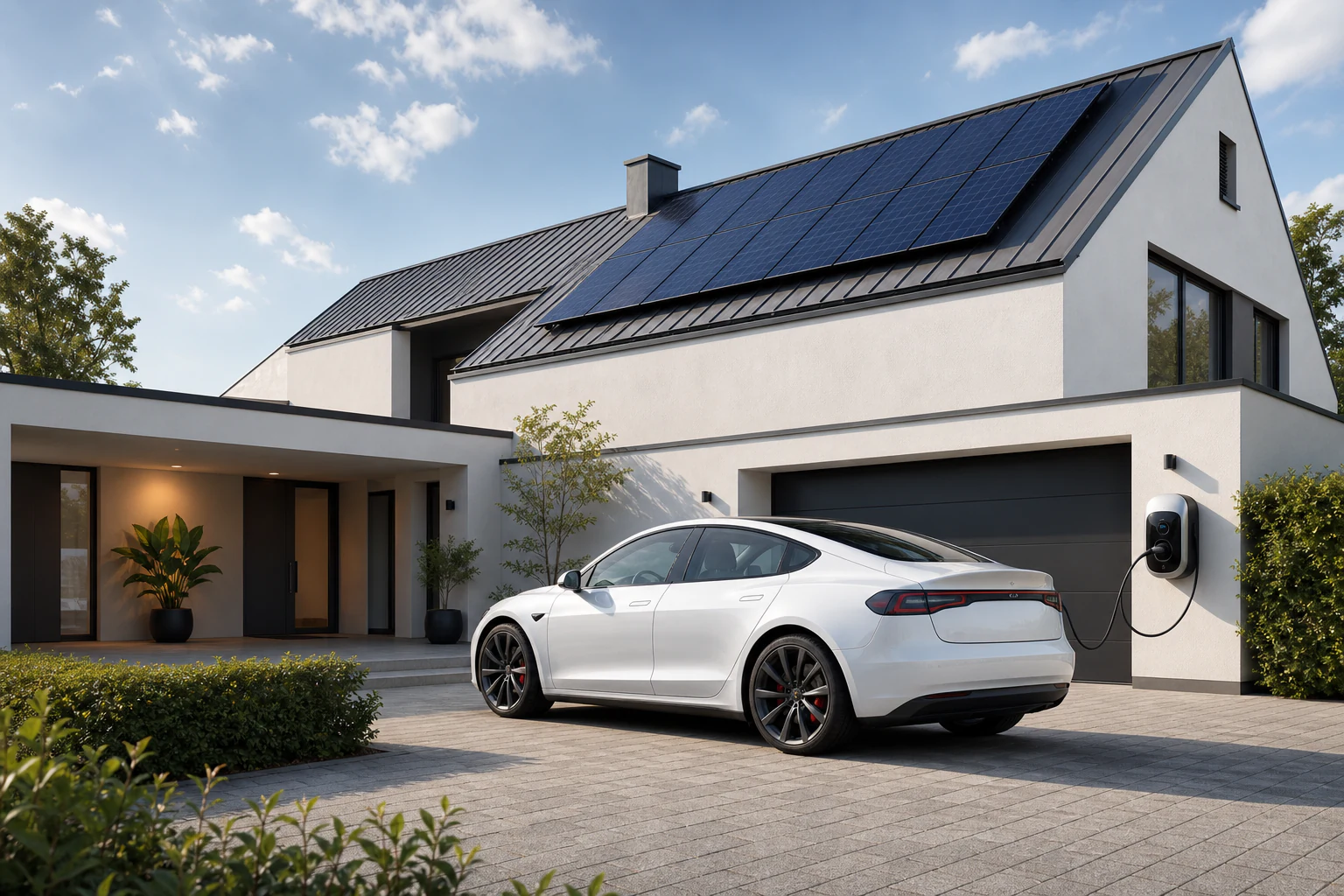
Solar-powered European home at dusk
Conow Open Skills · Official · MIT Open Source

Your solar.
Your battery.
Finally, explained.

Just ask your AI assistant. Get plain-language answers about how much solar you generated, whether you're buying or selling power, which device is costing you the most — and let AI quietly optimize your bill.

Live
You
How did yesterday go? Did we generate enough?
Conow AI
Great day! Here's yesterday:
18.4
kWh generated
94%
self-sufficient
12.1
kWh used
4.6
kWh exported
Best self-sufficiency this month
You
When should I run the dishwasher tonight?
Conow AI
After 10 PM — that's tonight's off-peak window. Electricity is cheapest then, and your battery will be fully charged.
Sound familiar?

You installed solar. Now there's an app, a chart, and a manual nobody reads.

You've invested in solar and a battery. You know things are working. But you can't easily tell what's happening right now, which device costs you the most, or when the cheapest time to charge your car is.

With Conow Open Skills, your AI assistant knows all of that. You just ask.

Before

  • Open the app, tap through menus to find yesterday's generation
  • Stare at a bar chart to figure out if you're buying or selling power
  • Manually check each device to find out who's using the most
  • Guess when the cheapest tariff window is tonight
  • Wonder if the AI savings mode is actually doing anything

After

  • "How much did my solar generate yesterday?"
  • "Am I importing or exporting right now?"
  • "Which device used the most electricity this month?"
  • "When is tonight's cheapest tariff window?"
  • "Is AI dispatch saving me money? Show me today's plan."
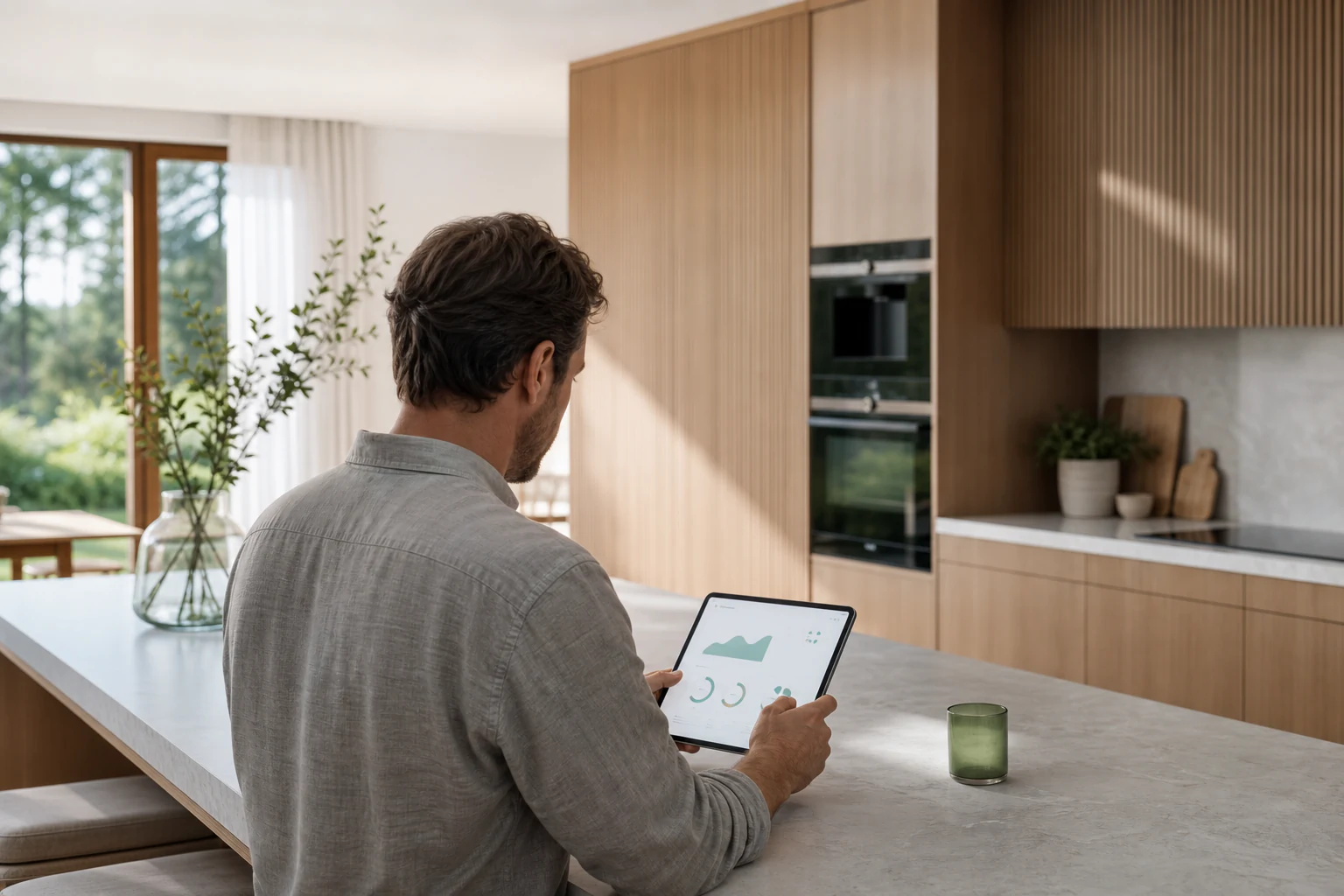
Morning energy check on a tablet in a contemporary kitchen
conow-energy · Read-only · Always safe

See your home's energy in plain language

Your solar, battery, grid flow, and tariffs — all readable by your AI assistant. No charts to decode, no menus to navigate. Just ask a question and get a real answer.

  • 💬 "How much solar did I generate yesterday — and where did it all go?"
  • 💬 "Am I buying electricity from the grid right now, or selling it?"
  • 💬 "Which device used the most electricity this month?"
  • 💬 "How much will my solar produce tomorrow? Is it worth charging the battery tonight?"
  • 💬 "What's the electricity price right now — is this a peak window?"
Yesterday — Energy Summary Mon, Jun 9 · Your Home
Solar generated 18.4 kWh
Used at home 9.6 kWh (52%)
Charged battery 4.2 kWh
Exported to grid 4.6 kWh
Total home consumption 12.1 kWh
Bought from grid 0.7 kWh (off-peak only)
Self-sufficiency: 94% Best day this month
Electric vehicle charging at a solar-powered European home
🔌
conow-device · Ask before acting · Always confirms

Control your devices just by asking

Your EV charger, heat pump, inverter, lights — your AI assistant can check their status, spot alerts, and take action. It always asks you to confirm before changing anything.

  • 💬 "Is the EV charger working? What current is it running at?"
  • 💬 "Set the charger to 16 A — the solar peak should cover it."
  • 💬 "Does the inverter have any alarms I should know about?"
  • 💬 "Turn the living-room lights off."
  • 💬 "Lower the heat pump thermostat a couple of degrees."
Device Assistant Your AI
Is the EV charger running? Set it to 16 A.
AI
Your EV charger is online and currently charging at 10 A.
Charging · 2.3 kW · 68% SoC
AI
Ready to set current to 16 A on your EV charger. Confirm?
Yes, go ahead.
AI
Done. Charger updated to 16 A (3.7 kW). Your solar is producing 4.1 kW right now — fully covered.
Running on solar
AI
Inverter notice: Fan speed elevated. No action needed yet — I'll alert you if it escalates.
Low priority alert
A relaxed evening in a contemporary European home
🤖
conow-dispatch · AI-managed · Just ask

Let AI quietly lower your bill — and check that it's working

Conow's AI dispatch already schedules your devices to run at the cheapest moments. Now you can ask your assistant to explain exactly what it's doing, verify the savings, or pause it if you need to.

  • 💬 "Is my AI savings mode on? Is it actually doing anything?"
  • 💬 "Walk me through today's AI energy plan."
  • 💬 "How much did AI dispatch save me this week?"
  • 💬 "Which devices is AI managing right now?"
  • 💬 "Pause dispatch for my home tonight — we have guests."
Today's AI Energy Plan
Saving 7%
13:00–15:30
EV Charger — full power
Peak solar window, free energy from your panels
13:30
Heat pump — pre-heat cycle
Pre-running before 18:00 peak tariff kicks in
22:00–24:00
Battery top-up from grid
Off-peak rate — cheapest window tonight
Tonight's electricity tariff windows
Off-peak Mid Peak
A day in your life

Your home works smarter. You just live in it.

From morning coffee to evening wind-down, here's what a day looks like when your AI assistant understands your home's energy.

7:30 AM
Morning check-in
You ask "How did we do overnight?" and get a clear picture: battery charged to 82%, forecast says 14 kWh from solar today.
conow-energy
☀️
🚗
1:00 PM
AI charges your car — for free
AI dispatch automatically starts the EV charger during peak solar hours. You didn't have to schedule anything.
conow-dispatch
5:30 PM
Tariff heads-up
You ask "When's the cheapest electricity tonight?" and learn the off-peak window opens at 10 PM. You run the dishwasher then.
tariff query
💡
🔌
7:00 PM
Quick device check
"Does my inverter have any alerts?" — No issues today. You also notice the heat pump used more than usual and ask why.
conow-device
9:45 PM
End of day: see the full picture
"What did today's AI plan save me?" — 7% off today's bill. The AI ran your devices smarter than you could have manually.
conow-dispatch
🌙
Get started

Up and running in under two minutes

No programming background needed. Three steps — and your AI assistant understands your home's energy.

1

Get your Conow key

Open the Conow App → Settings → Developer Key. One key works across all three skills and all your homes.

Starts with sk-EU... or sk-AY... depending on your region.
2

Install the skill

Add it to your AI assistant of choice — OpenClaw, TuyaClaw, or Hermes. Or clone the GitHub repo to use directly.

Set CONOW_API_KEY in your skill config. That's the only setup required.
3

Start asking

Ask about solar generation, device status, tariff windows, or today's AI plan — in your own words, in any language.

"How much solar did I generate today?" is a good first question.
Works with your setup

One key. Every AI assistant you already use.

🤝

Works with your AI assistant

Compatible with OpenClaw, TuyaClaw, Hermes, and Claude Code. Install the skill once and all three capabilities are available.

🏠

All your homes, one key

One Conow API key covers every home you own or manage. The data center region is detected automatically — EU, US, CN, and more.

🛡️

Safe by design

Energy reading is always read-only. Device control requires your explicit confirmation every time. Your API key is never logged or echoed.

OpenClaw TuyaClaw Hermes Claude Code Python 3.7+ MIT Open Source Zero extra dependencies 7 data center regions
Questions

Common questions

I already have the Conow App. Why do I need this?
The app is great for dashboards and settings. Conow Open Skills lets your AI assistant answer energy questions in natural language — without you needing to open the app, tap through menus, or interpret charts. They work together.
Will the AI control my devices without asking me first?
Never. Every write command — setting a charger current, adjusting a thermostat, disabling dispatch — requires your explicit confirmation in that conversation. The AI won't silently actuate hardware.
Which dynamic electricity tariff providers are supported?
Any provider configured in your Conow HEMS, including Tibber, Octopus Energy, ENTSO-e day-ahead pricing, and others. The skill reads whatever tariff schedule your home already uses — no extra setup needed.
Do I need to know how to code?
Not at all. You install the skill into your AI assistant (like any other skill), set one environment variable, and start asking questions in plain language. The CLI scripts are there if you want to dig deeper, but they're optional.
Does it work with all Conow / Tuya devices?
The conow-device skill auto-detects whether a device is a standard Tuya device or a Conow energy device, and routes to the right API automatically. You just pass the device name — no technical knowledge required.
Is my data safe? What gets sent where?
Your data goes directly to the Conow / Tuya Open Platform — the same API the Conow App uses. No third-party servers. Your API key is never logged, echoed, or stored by the skill. The project is MIT open source — read every line before you install.
Family relaxing at home with rooftop solar

Your home is already smart.
Now ask it anything.

Three skills. One key. No extra dependencies. Works today.

conow-open-skills · MIT License · Python 3.7+ · Zero dependencies · 7 regions