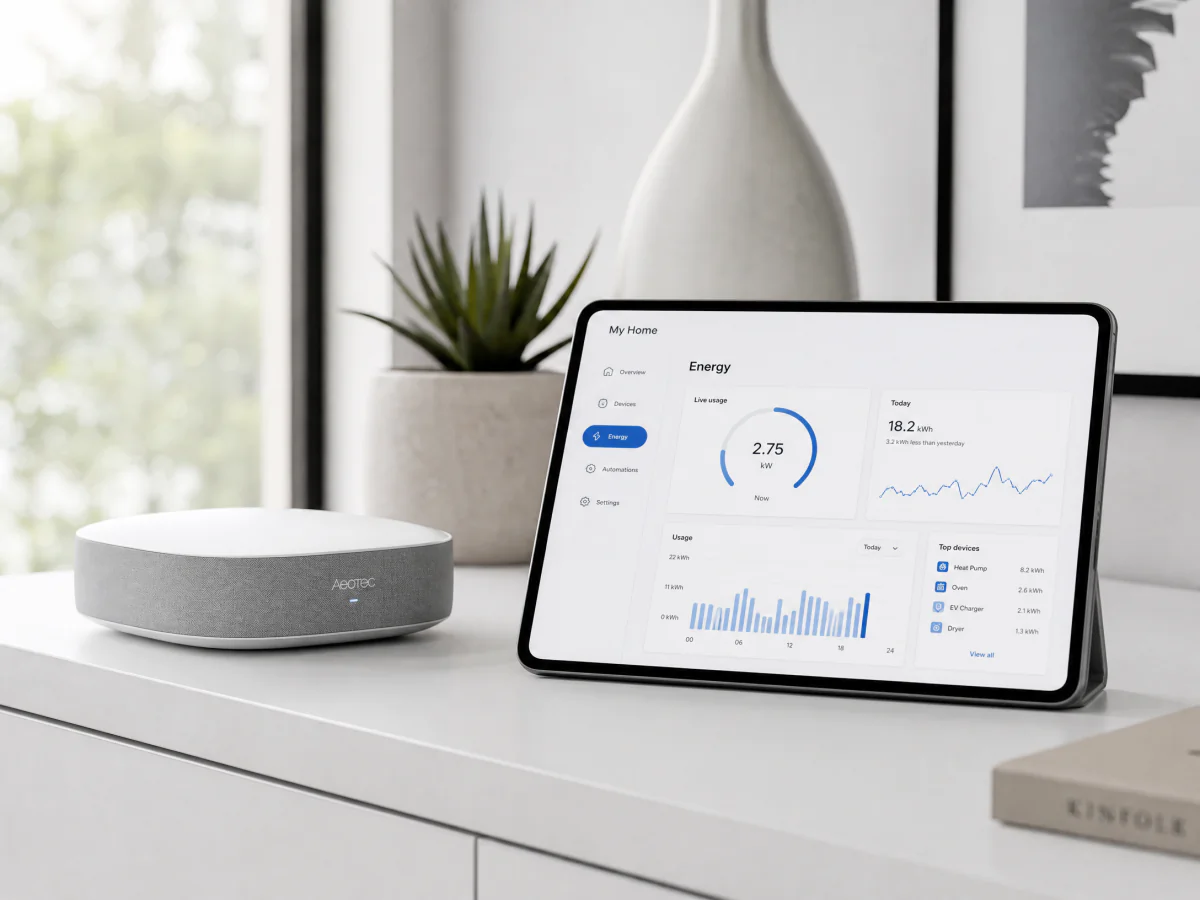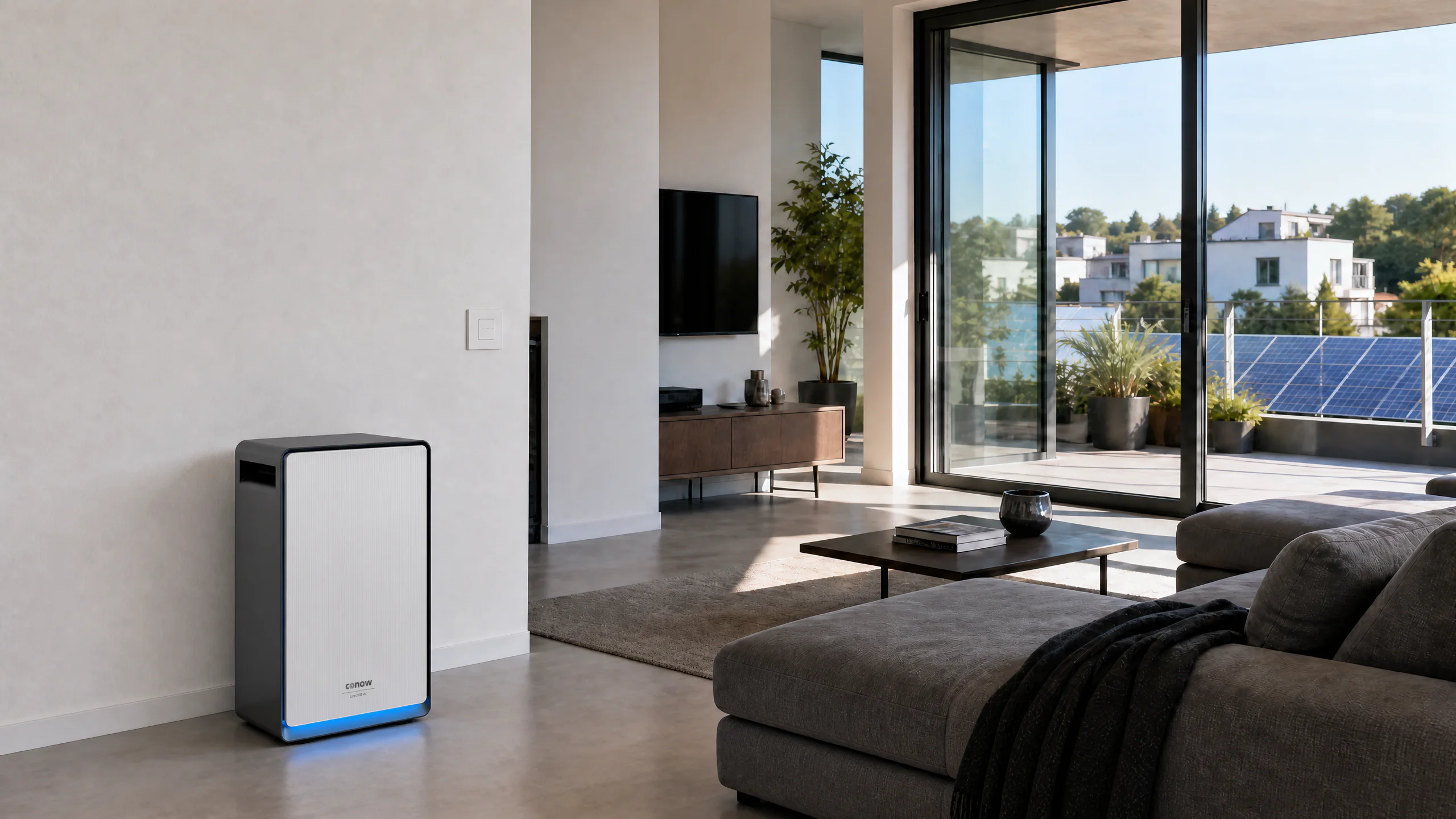
Conow smart home energy integration scene
Open Source · MIT Licensed

Your energy.
Your rules.

Three ways to integrate Conow into your smart home — whether you run Home Assistant on the cloud, prefer full local control over Modbus, or want your AI Agent to understand your energy.

⚡ No vendor lock-in 🔧 Standard protocols 📖 Fully documented

Integration Modes

Choose your path

Three open-source integrations — use one, or combine them all.

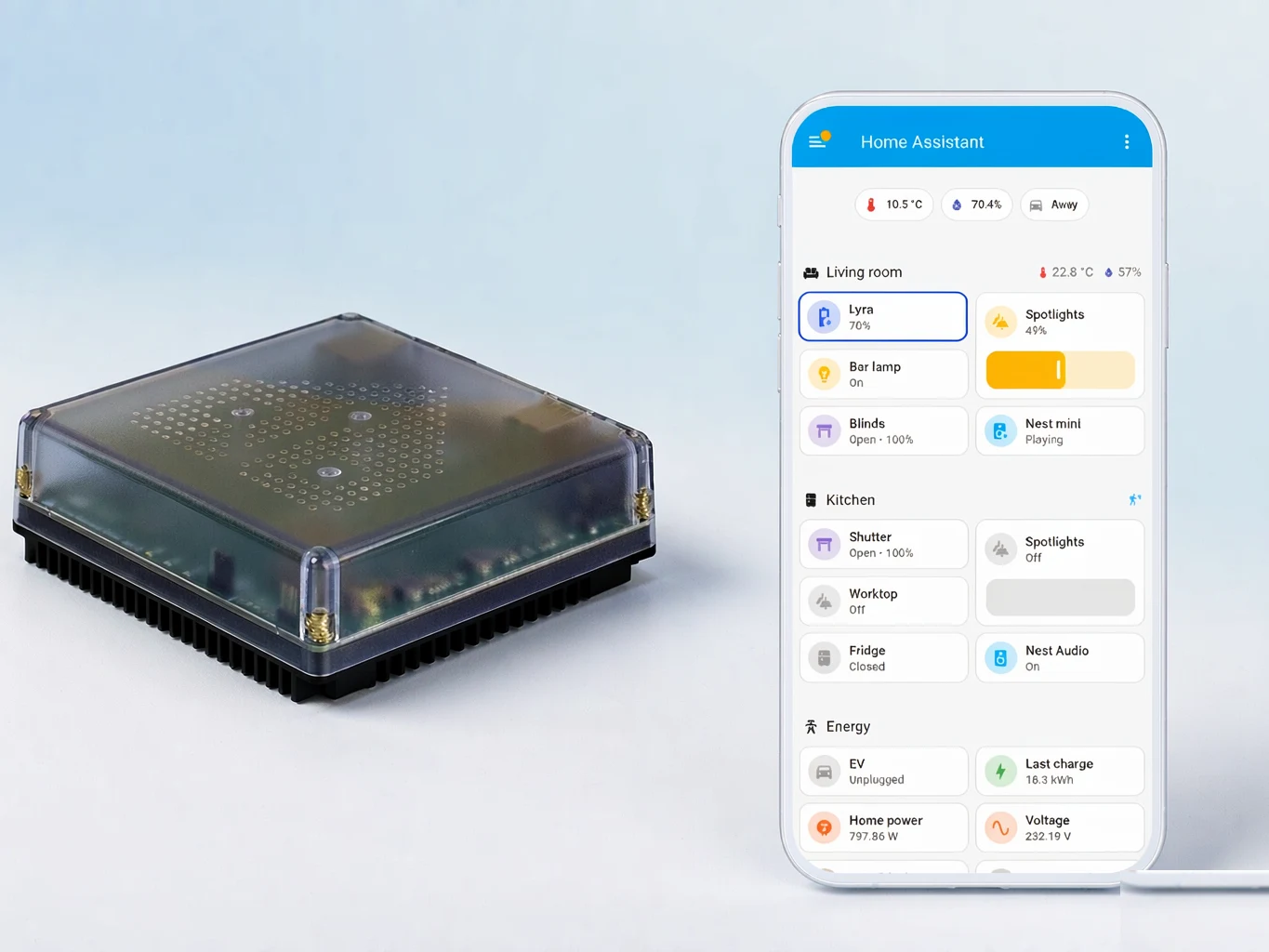
Home Assistant Cloud Sync — smart home energy dashboard
Cloud Integration

Home Assistant
Cloud Sync

Connect via Tuya cloud. Push updates, energy dashboard entities, and full device control — zero local wiring required.

  • HACS one-click install
  • Real-time cloud push
  • Energy Dashboard native
  • QR code auth
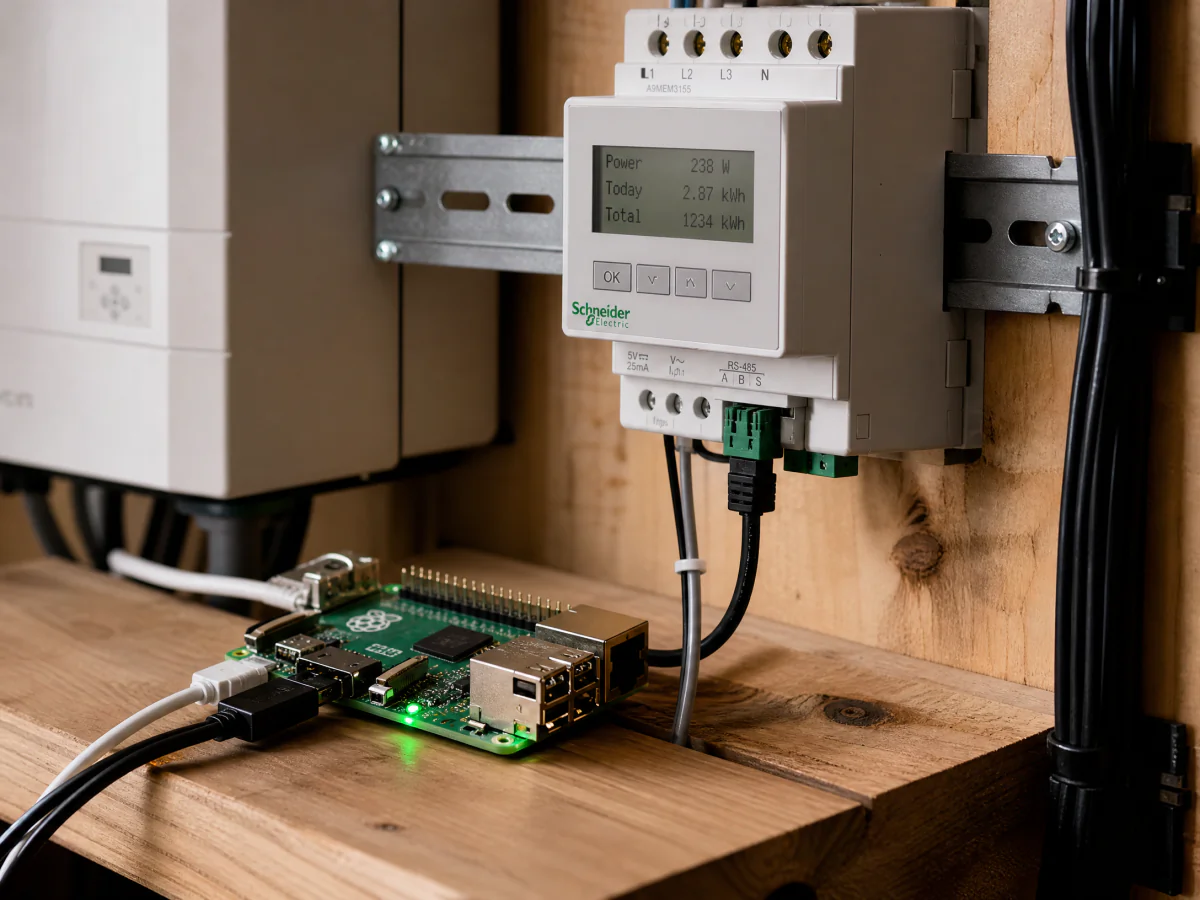
Modbus RS-485 local control — Raspberry Pi and energy meter wiring
Local Control

Modbus RS-485
Full Local Access

Standard Modbus RTU over RS-485. No cloud, no account, no internet. Your data stays on your network — works offline.

  • Zero cloud dependency
  • Standard Modbus protocol
  • Works with any EMS
  • Open register maps
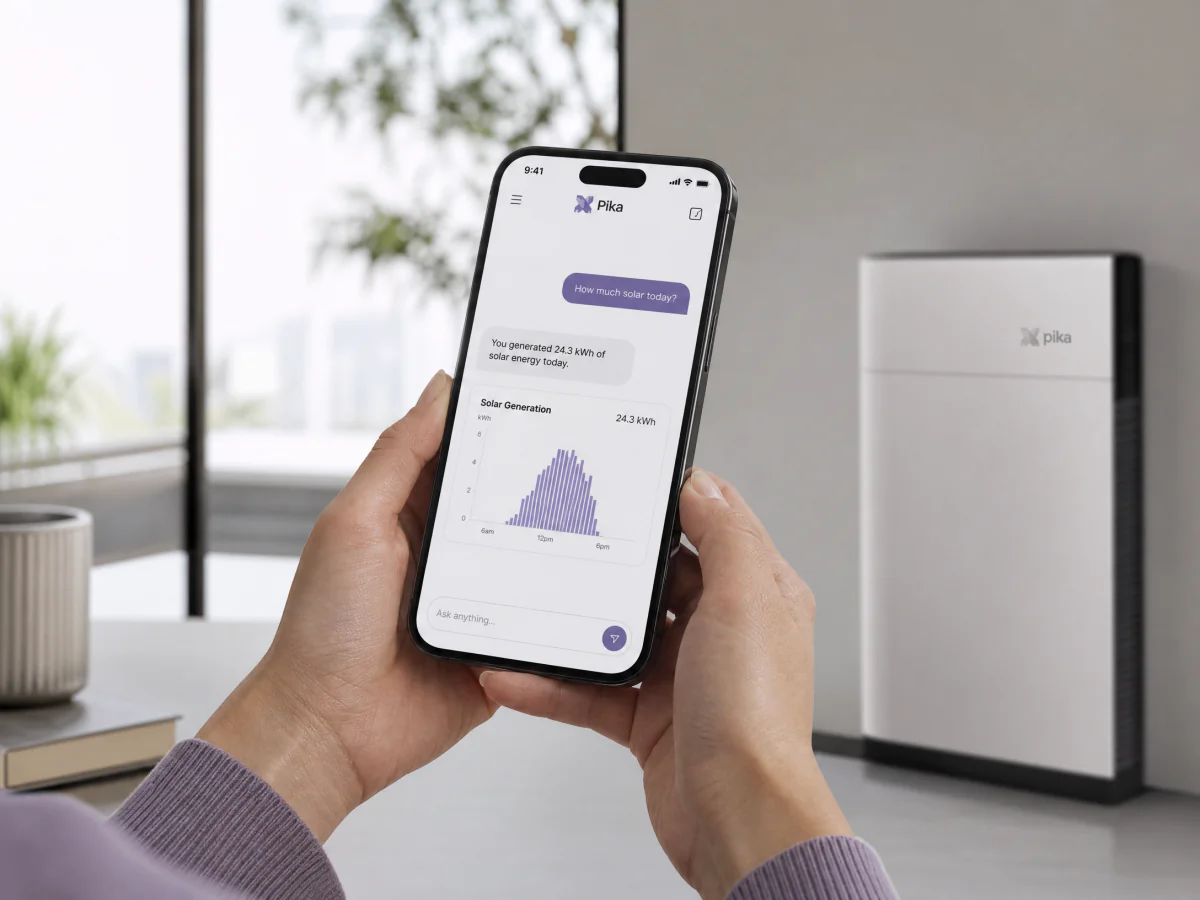
Conow Skills AI Energy Assistant — natural language energy queries
AI Agent

Conow Skills
AI Energy Assistant

Ask your AI about energy in plain language. "How much solar today?" "When is electricity cheapest?" One API key, any agent.

  • Natural language queries
  • Works with any AI agent
  • Read-only by default
  • Device control w/ confirm

Which path fits you?

All three are open source, MIT licensed, and work independently or together.

☁️ HA Cloud 🔌 Local Modbus 🤖 AI Skills
Best forSmart home automationDIY / EMS integrationAsking questions about energy
ConnectionTuya Cloud (MQTT)RS-485 wiredCloud API
Internet required✓ Yes— No✓ Yes
Real-time control✓ Push updates✓ Instant (5s poll)✓ On-demand
Device write control✓ Full✓ Full✓ With confirmation
Setup time5 minutes30 minutes2 minutes
GitHub home-assistant → home-assistant-local → agent-skills →

Open source. Open energy.

Star us on GitHub, join the community, or contribute.