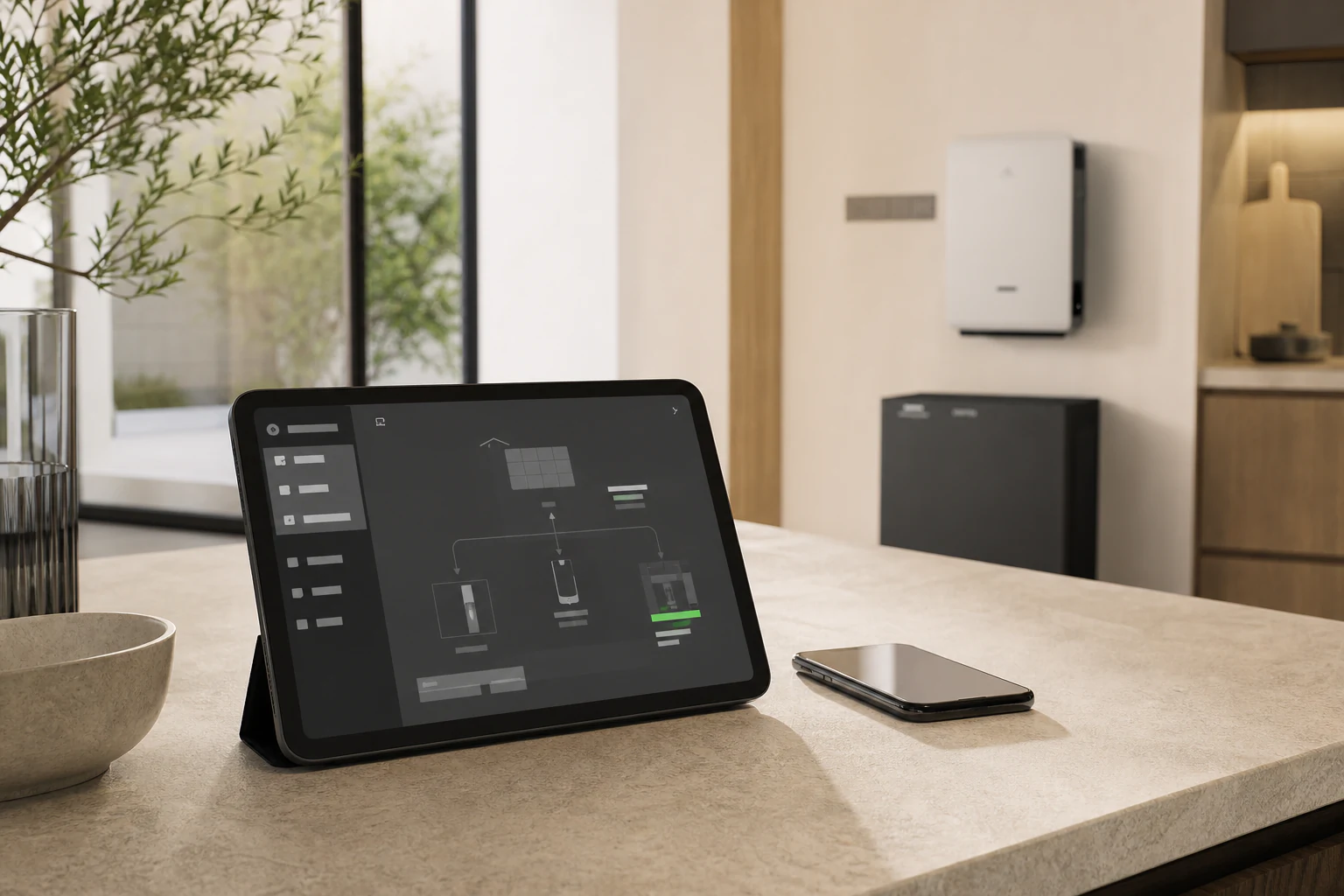
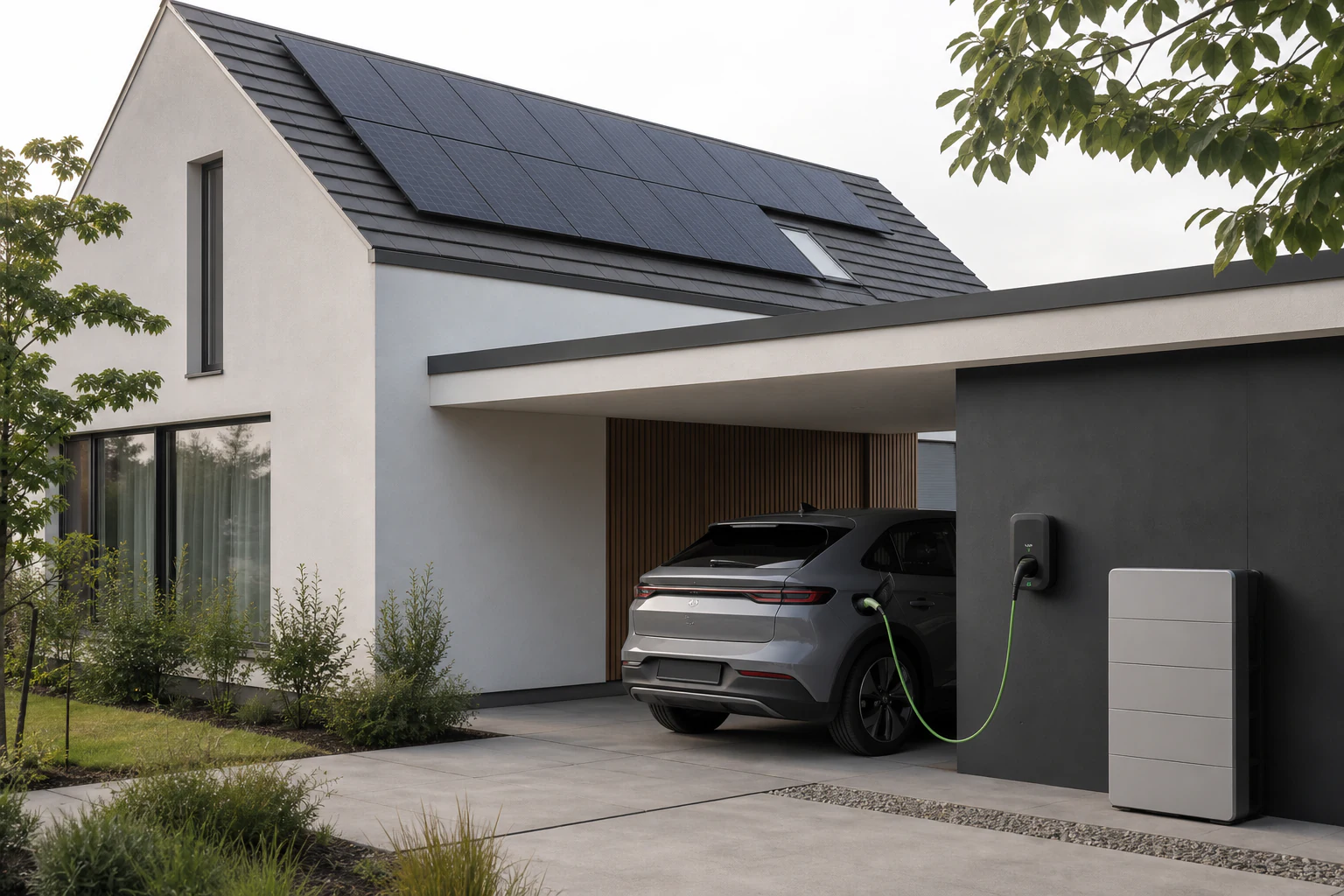
Connect your Conow account via the Tuya cloud, sync every energy device, and make it part of the home you already automate.
The official integration turns Conow energy products into native Home Assistant entities, ready for your dashboard, scenes and daily routines.
Solar generation, battery charge/discharge and grid import/export appear as native energy sensors.
Real-time status arrives through Tuya cloud MQTT, so your automations stay up to date.
Inverter modes, charge settings and DIY parameters are available as Home Assistant entities.
A WebSocket-backed configuration panel brings advanced energy setup into your workflow.
Trigger cloud scenes bound to your Conow account from Home Assistant automations.
Device schemas load automatically, creating the selects, switches, numbers and sensors you need.
Add the repository as a custom HACS integration source, then install "Conow Official" and restart Home Assistant.
Go to Settings → Devices & Services → Add Integration. Search for "Conow Official". Enter your User Code.
Scan the QR code with your Conow App to authorize the connection. Wait for devices to sync.
Your devices appear in HA. Configure the Energy Dashboard to use the new Conow sensor entities.

| Device | Type | Energy Model | Status |
|---|---|---|---|
| Lyra 2500 AC | AC-coupled storage | xnyjcn | ✓ Supported |
| Lyra 2500 Pro | AC-coupled storage | xnyjcn | ✓ Supported |
| CBE2000 Pro | All-in-one inverter + battery | xnyjcn | ✓ Supported |
| Smart Meter | Energy monitor | Standard Tuya | ✓ Supported |
| EV Charger 7kW / 22kW | EV charging | Standard Tuya | ✓ Supported |
| Atlas Series | High-capacity storage | xnyjcn | β Testing |
| Any Tuya device | Lights, plugs, sensors... | Standard Tuya | ✓ Via Tuya handlers |

Pick one integration per device to avoid duplicate entities and conflicting state.
When switching from Tuya to Conow, entity names follow Energy Model codes. Update your Energy Dashboard configuration.
Energy API endpoints are in trial phase. You may encounter rate limits — retry after a moment.